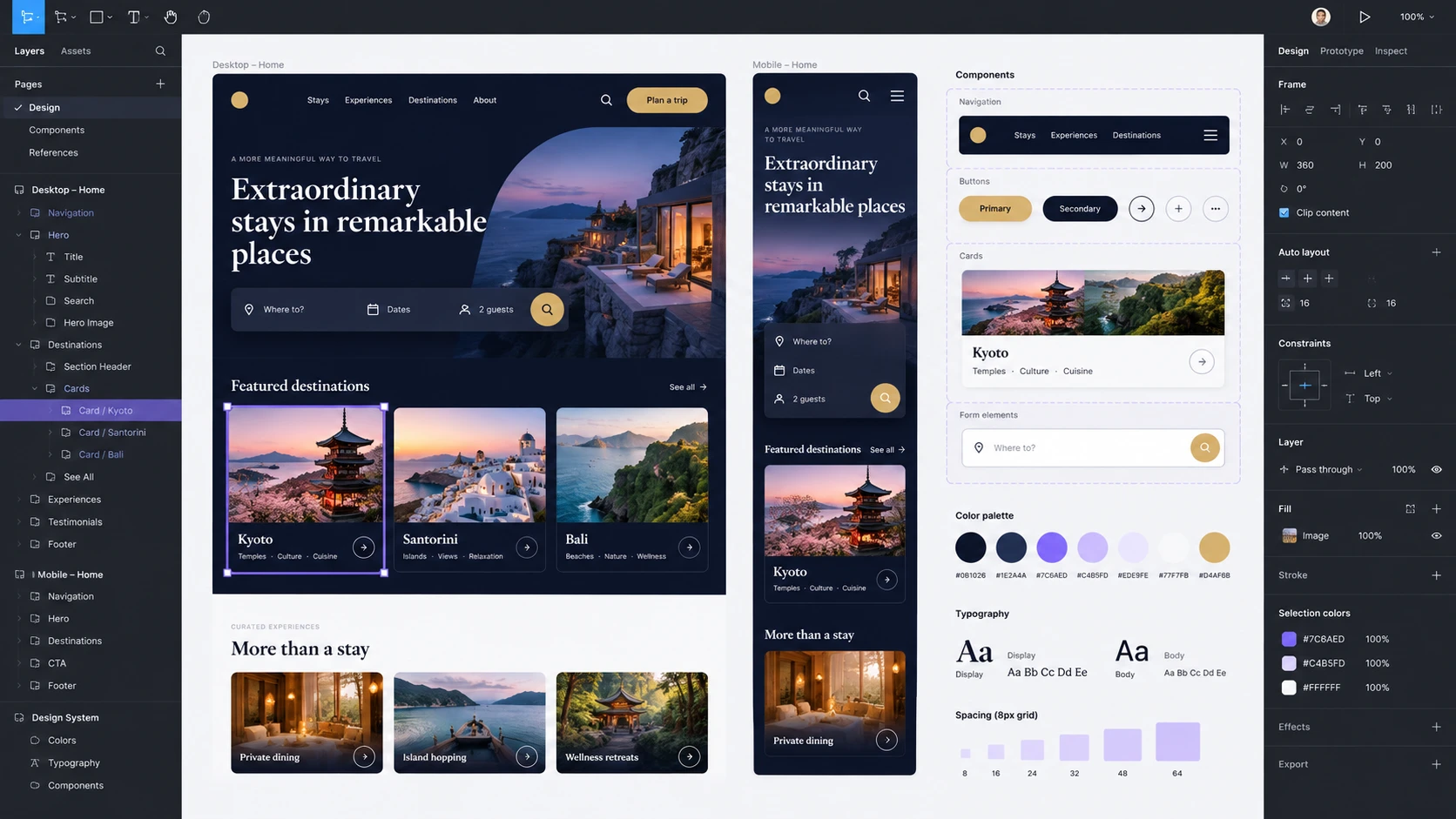
Why rebuild every button, form, and error message when teams have already documented those choices? Design systems provide a shared foundation for creating consistent interfaces.
More than a component collection
In a selection published on ShadcnDeck, Ash compares ten open systems: shadcn/ui, Ant Design, Fluent UI, Material Design 3, IBM Carbon, GitHub Primer, AWS Cloudscape, GOV.UK, Gestalt, and PatternFly.
Their value goes beyond appearance: colors, spacing, typography, components, and accessibility guidance form a shared language.
Choose for the product
- shadcn/ui: code integrated directly into your project, which you adapt and maintain.
- Ant Design and Cloudscape: options for data-rich interfaces.
- Carbon and Fluent UI: reference points for enterprise products.
- GOV.UK: a reference for forms and public services.
The author distinguishes the freedom to modify code from the benefits of a jointly maintained library. He also recommends checking project activity, rather than relying on popularity alone.
What about Figma?
Figma is a design tool. It can hold the mockups and components of a design system; on its own, it does not define a product’s rules.
My perspective
In my view, the right starting point is a short list of explicit decisions: colors, spacing rhythm, links, forms, and focus states. An existing foundation can speed up the work, but it still needs adapting to the product and checking for accessibility.
Do you prefer adapting an existing foundation or gradually building your own system?